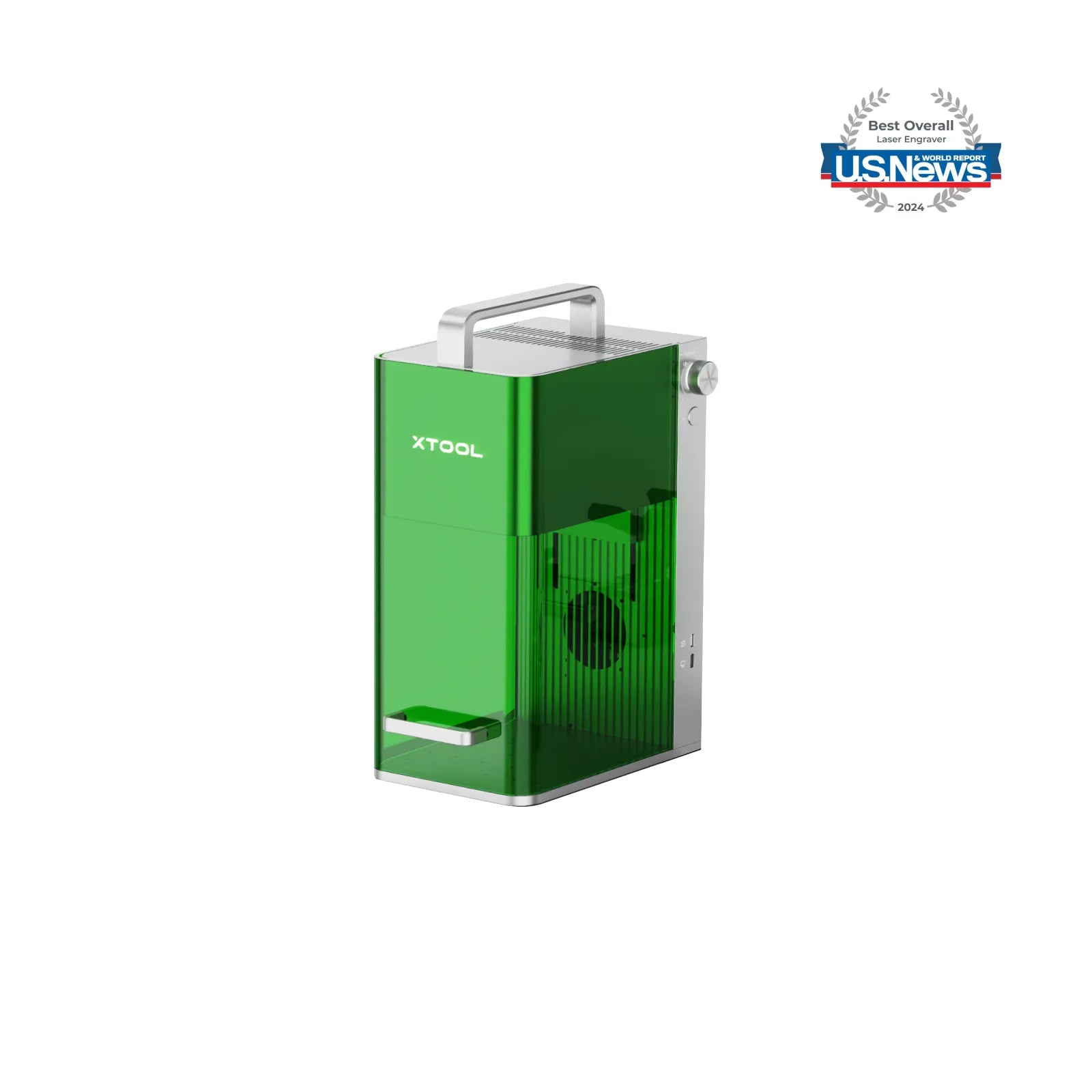

Why xTool F1 is the Best Choice?
Best for Craft Fairs and Beginners
Best for Scaling & Faster Production
Still Unsure? Choose Based on Your Scenario
More Material & Process Comparisons at a Glance
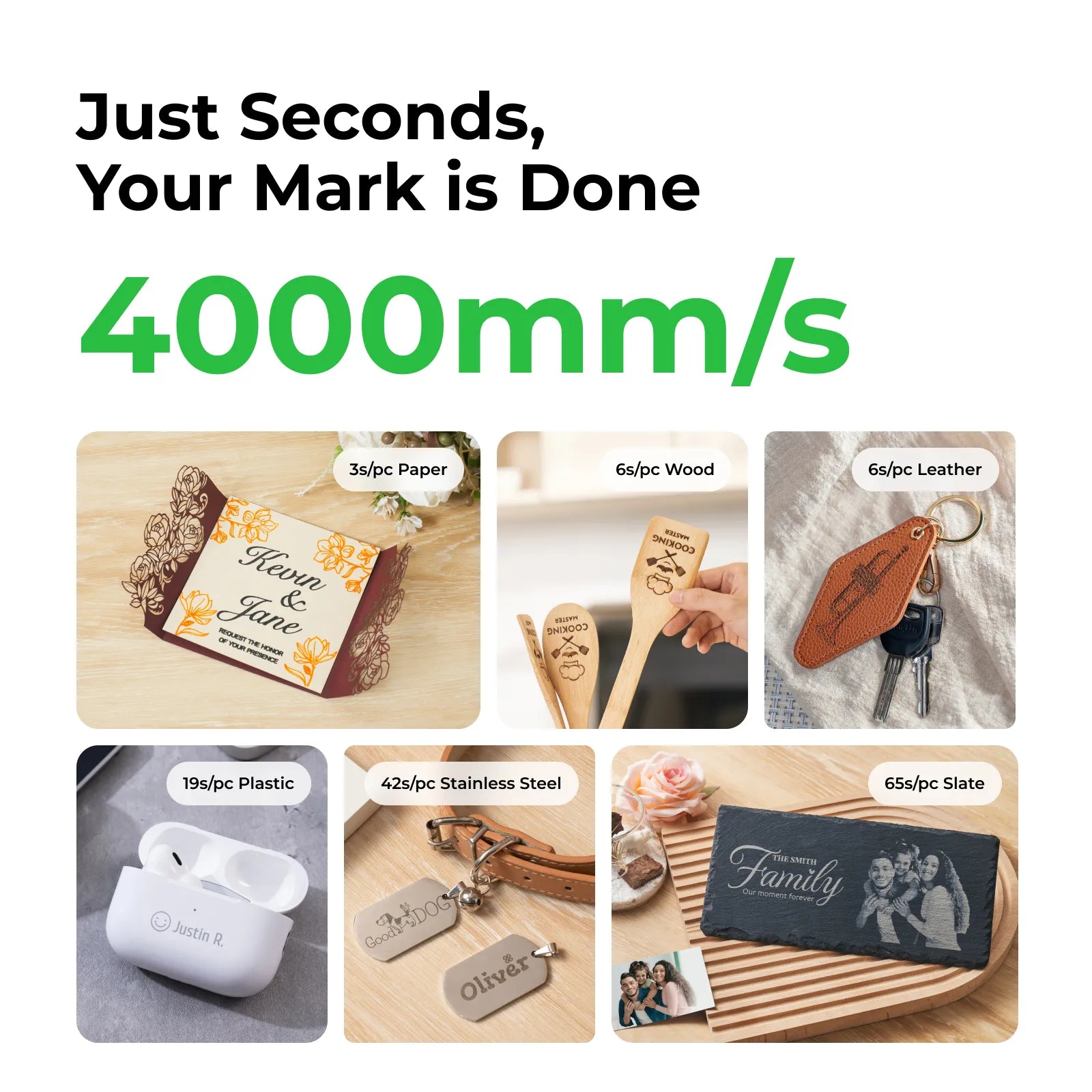
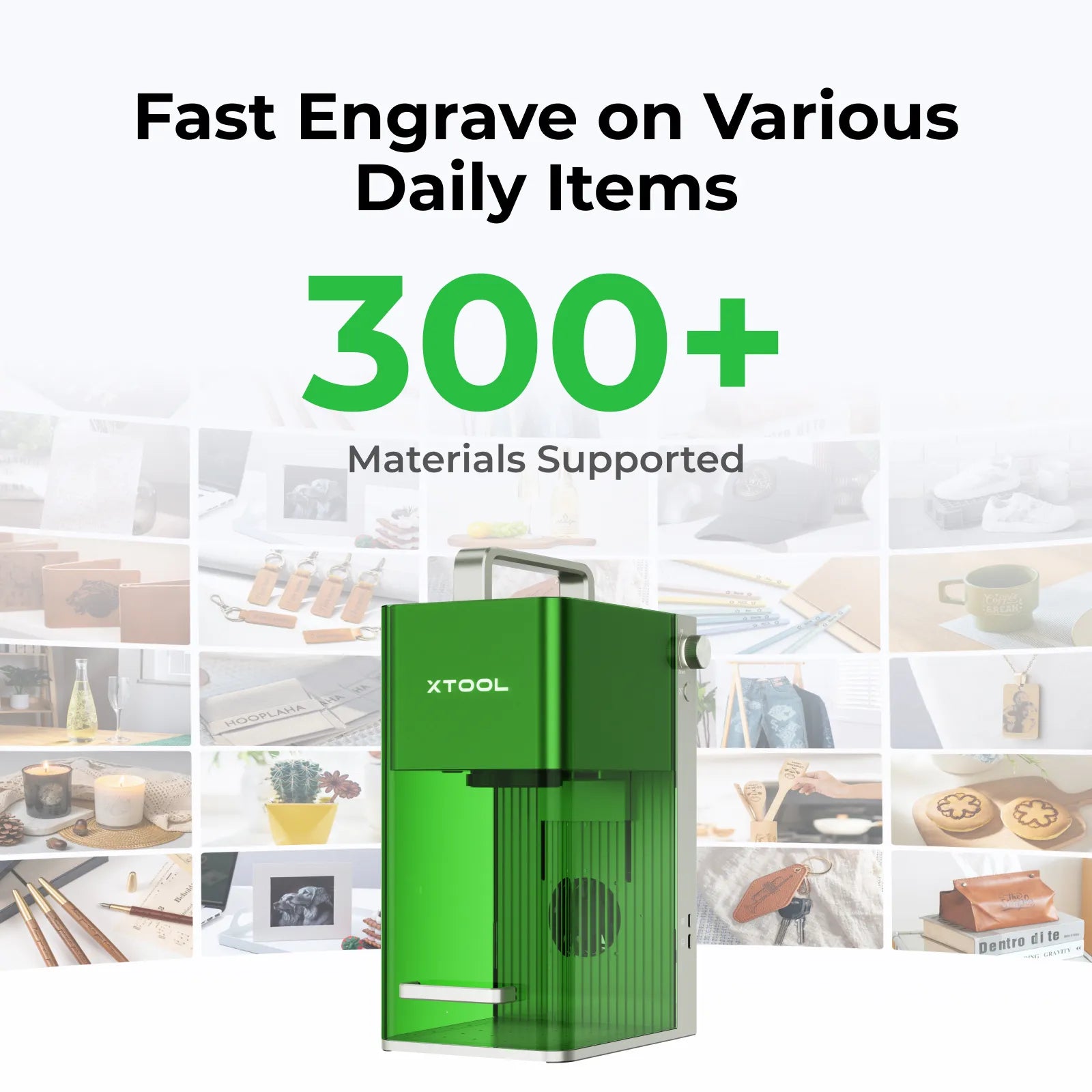
Give Daily Items a Unique Touch
*F1 can also engrave more metals, including gold, silver, brass, platinum, aluminum, etc.
All Your Ideas,
Made Real Instantly
Over 6 times faster than common lasers, your custom items can be engraved in just 10 seconds at best. Feel the joy of engraving in no time!
*Currently, xTool Studio does not offer a mobile version and is only available on PC.
Grab and Go,
It's Part of Your Everyday
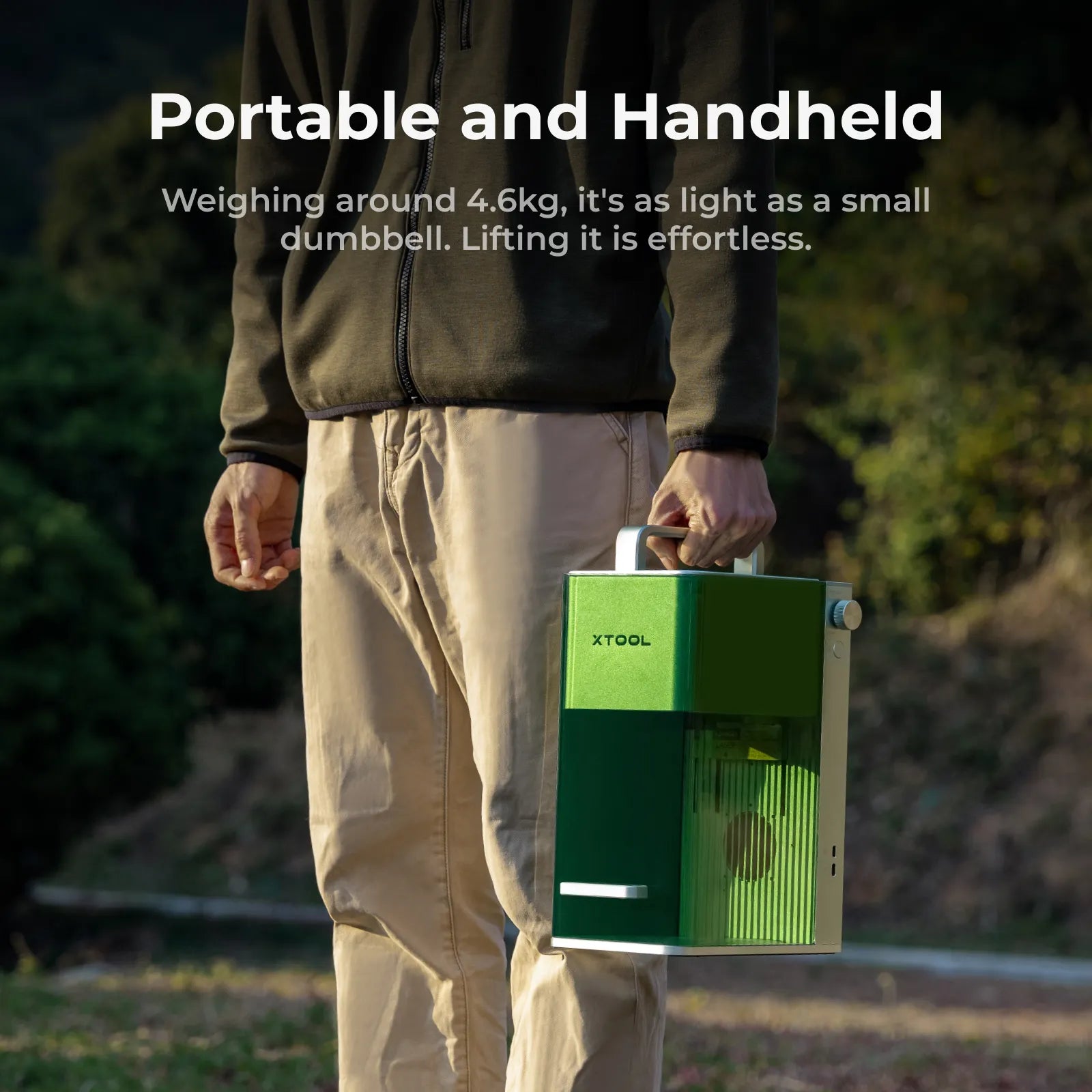
As light as a small dumbbell, weighing around 4.6kg for effortless lifting and easy portability.
One Machine Many Possibilities
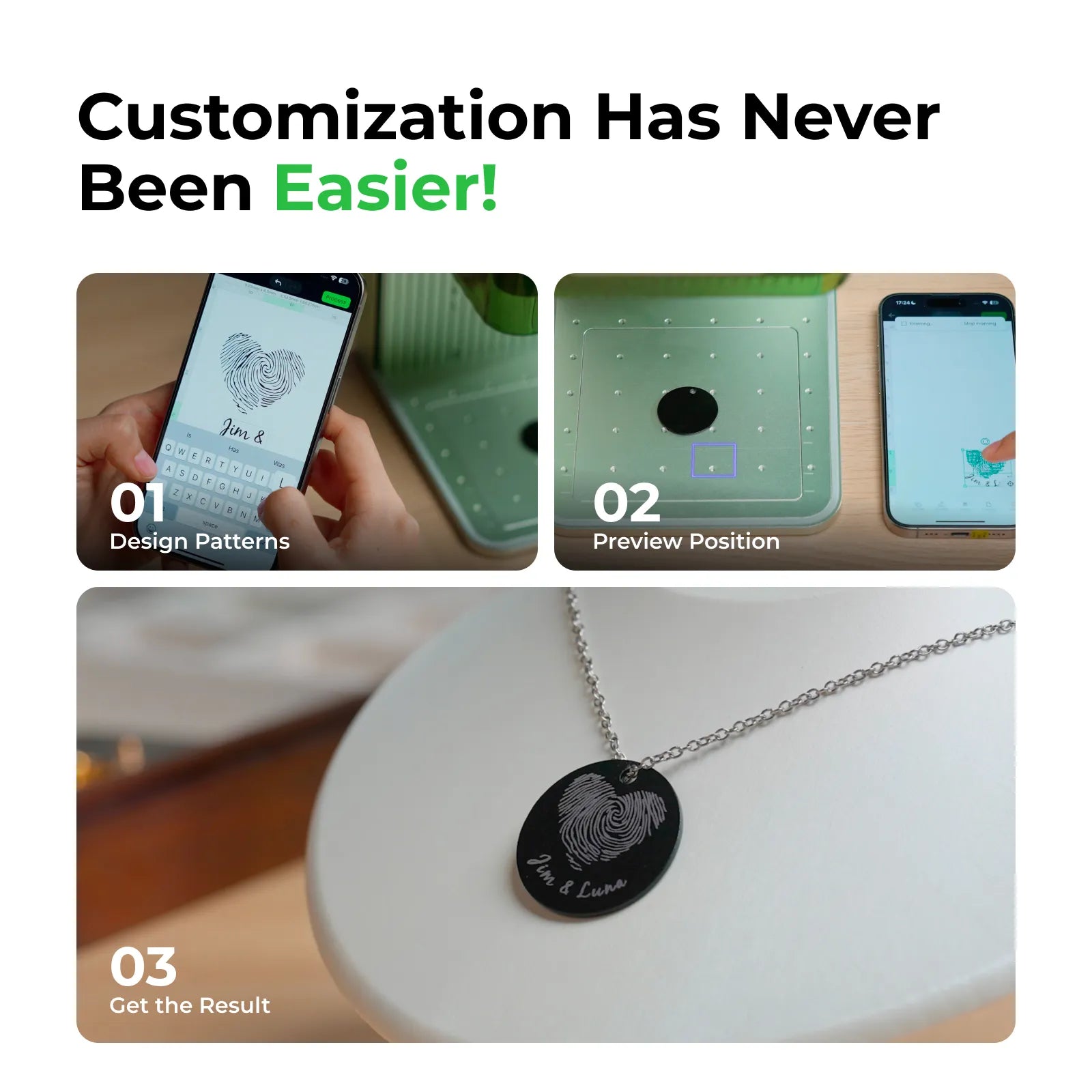
Just Three Steps to Make It Yours
*Currently, xTool Studio does not offer a mobile version and is only available on PC.
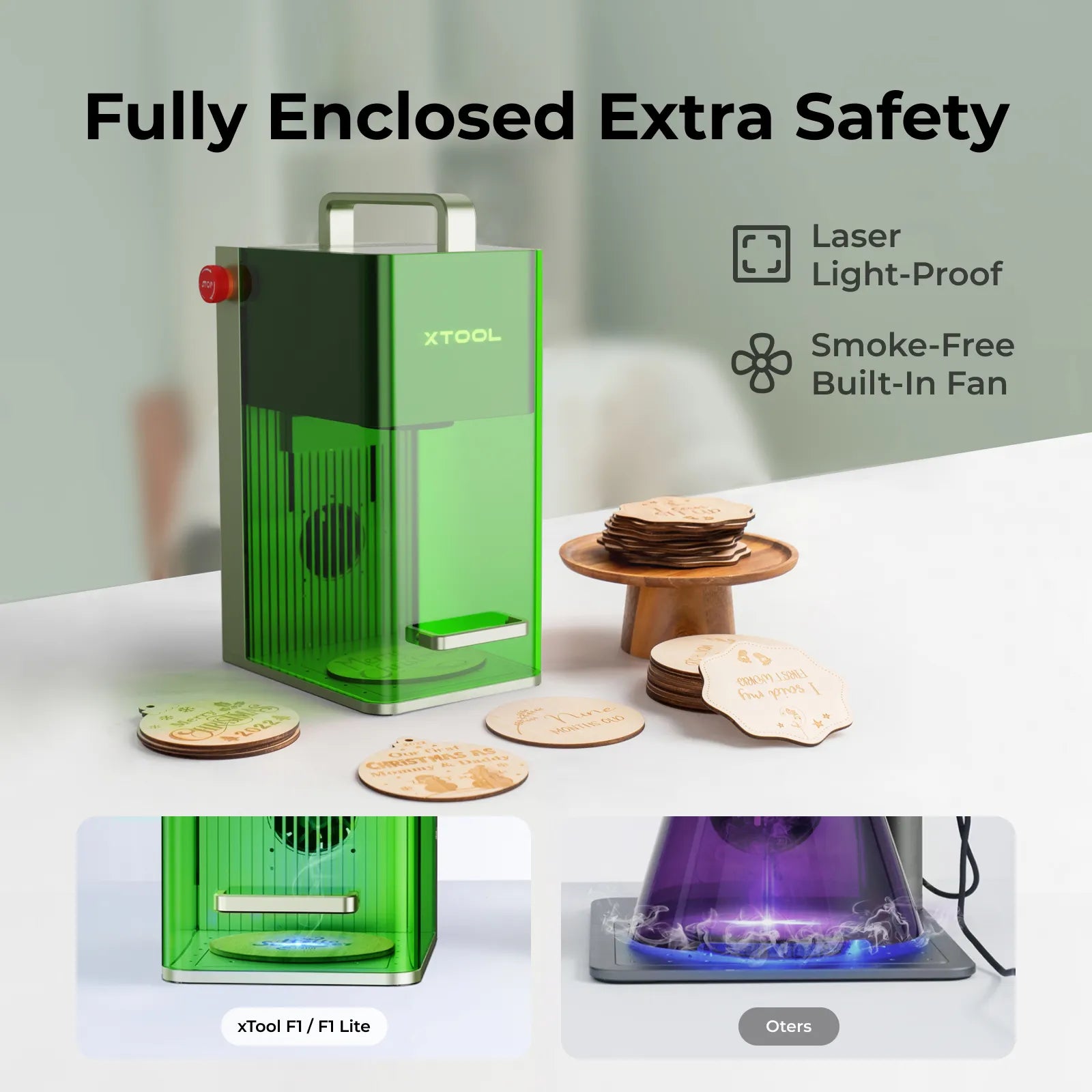
Safety Design in Mind,
Ensure Your Safety
What F1 Can Add for You?
Leading Software Makes Creation a Breeze
Diverse Accessories Simplify Creations
Genuine Praise from Real Users
In the Box
FAQ
You will be able to use the XCS software to choose the diode laser or the infrared laser. Alternatively, you can search for your material in the EasySet™ Library, and we will recommend the most suitable parameters and laser type. Please note that cutting can only be done using the 10W diode laser.
You can contact our live chat for more information.
You can also purchase the XtoolCare service for more comprehensive and worry-free after-sales protection: https://au.xtool.com/products/xtoolcare-for-f1
Additionally, our Support Center will provide you with comprehensive and convenient technical support to help you better use and maintain xTool products: https://support.xtool.com/
F2 is a major upgrade over F1.
- Higher laser power: F2 = 15W blue + 5W IR vs F1 = 10W blue + 2W IR
- New high-res camera: Built-in 50MP camera (F1 has none) with autofocusing, precise visual alignment, live preview, one-click auto-fill, and batch processing
- Faster processing: Up to 6000 mm/s (F2) vs up to 4000 mm/s (F1)
- Stronger software features: Curved-surface engraving, relief engraving, batch processing, and autofocus (not available on F1)
For most users—especially business users who want to start earning sooner and enthusiasts who value a smooth experience—F2 is the smarter choice. If you’re a beginner on a tight budget and handy with DIY, F1 remains a solid entry option.
Best Choice by Top Media
Customer Support at Your Fingertips
Share, Discuss, and Inspire at xTool F1 & F1 Lite Community
Join our vibrant 36k user community today and embark on a journey to discover the art of wonderful craft-making...
20,000+ Project Ideas for Direct Use
We offer a diverse creative community where you can find massive inspirations and ready-to-use project files including home decor, gift making, small business, ensuring you never run out of ideas!
10,000+ Tutorials, Step-by-Step Guide
Don't worry about creating! Atomm offers countless tutorials from files to parameters, and processing. Just follow along to make stunning projects—your ideal beginner's village!
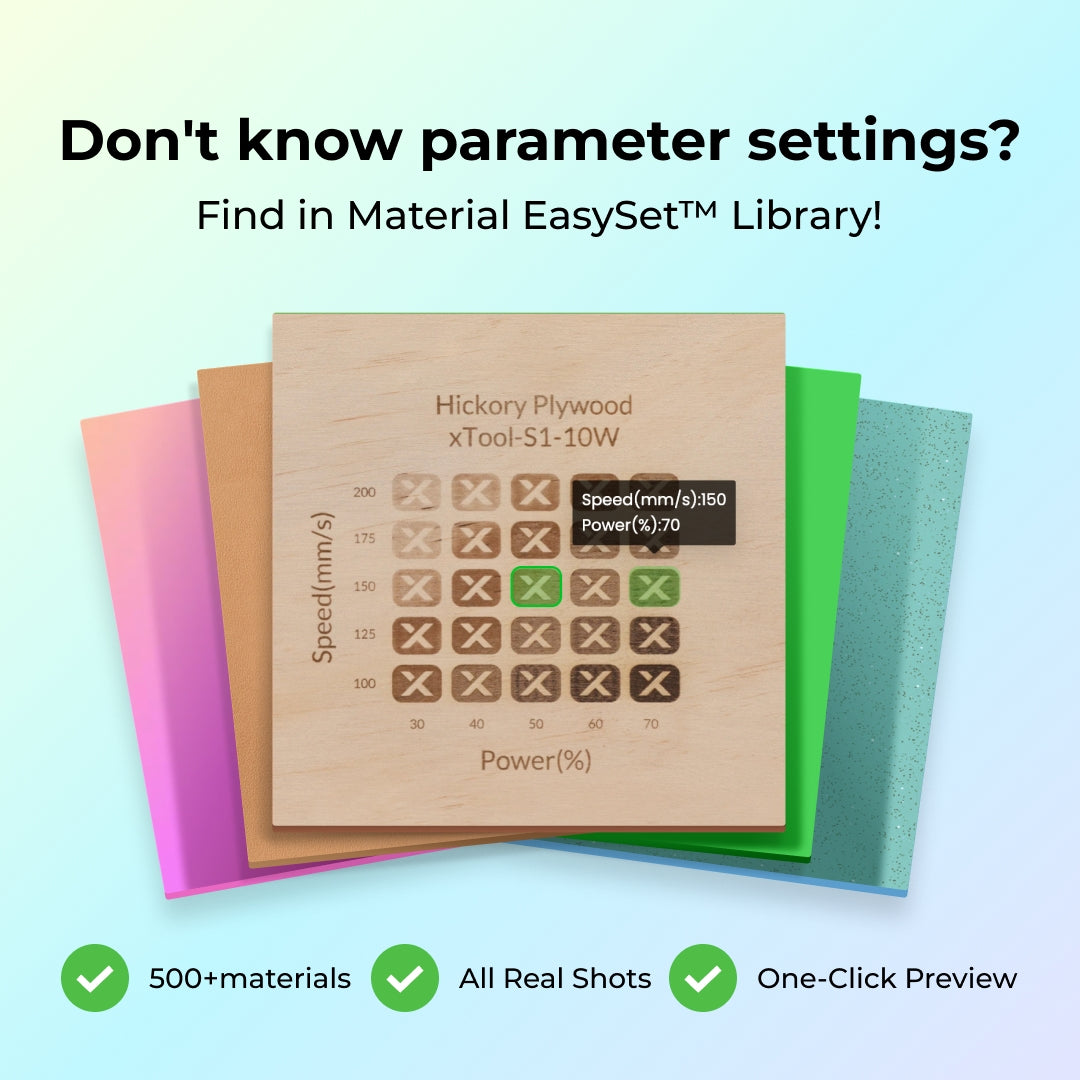
One-Click Setting without Testing
No more wasting tons of time testing parameters to avoid material waste! Preview effects in the software, select your options, and use them instantly with just one click.


