We will send you a notification as soon as this product is available again.
Email is required.
Email is required.
We respect your privacy and do not share your email with anyone else.
We will send you a notification as soon as this product is available again.


The right power for every project.
Switch easily between the blue diode laser (10W or 20W), the 3W infrared laser, and the inkjet module for a workflow tailored to your needs. M2 adapts to every idea you want to bring to life.


Diverse Accessories Simplify Creations


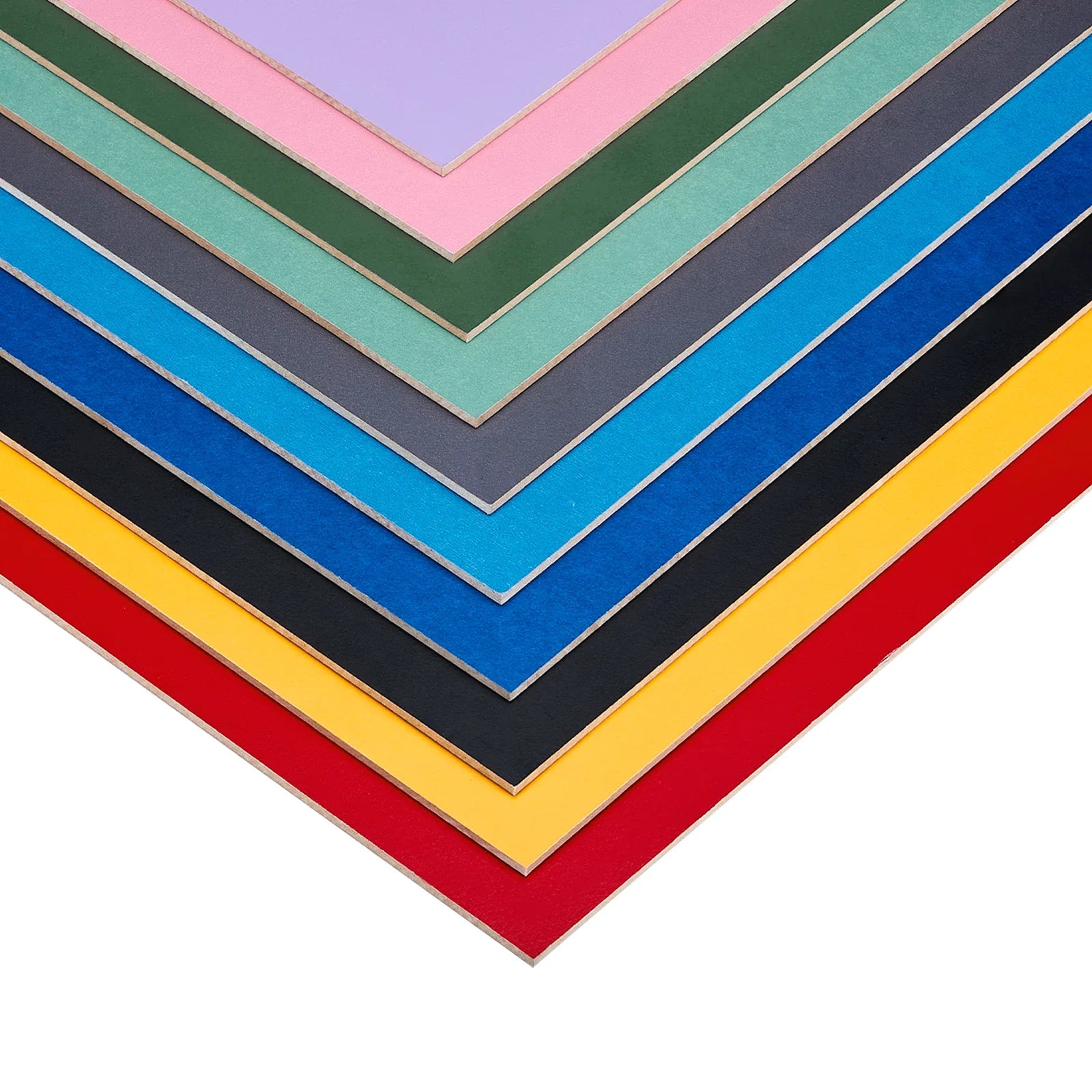
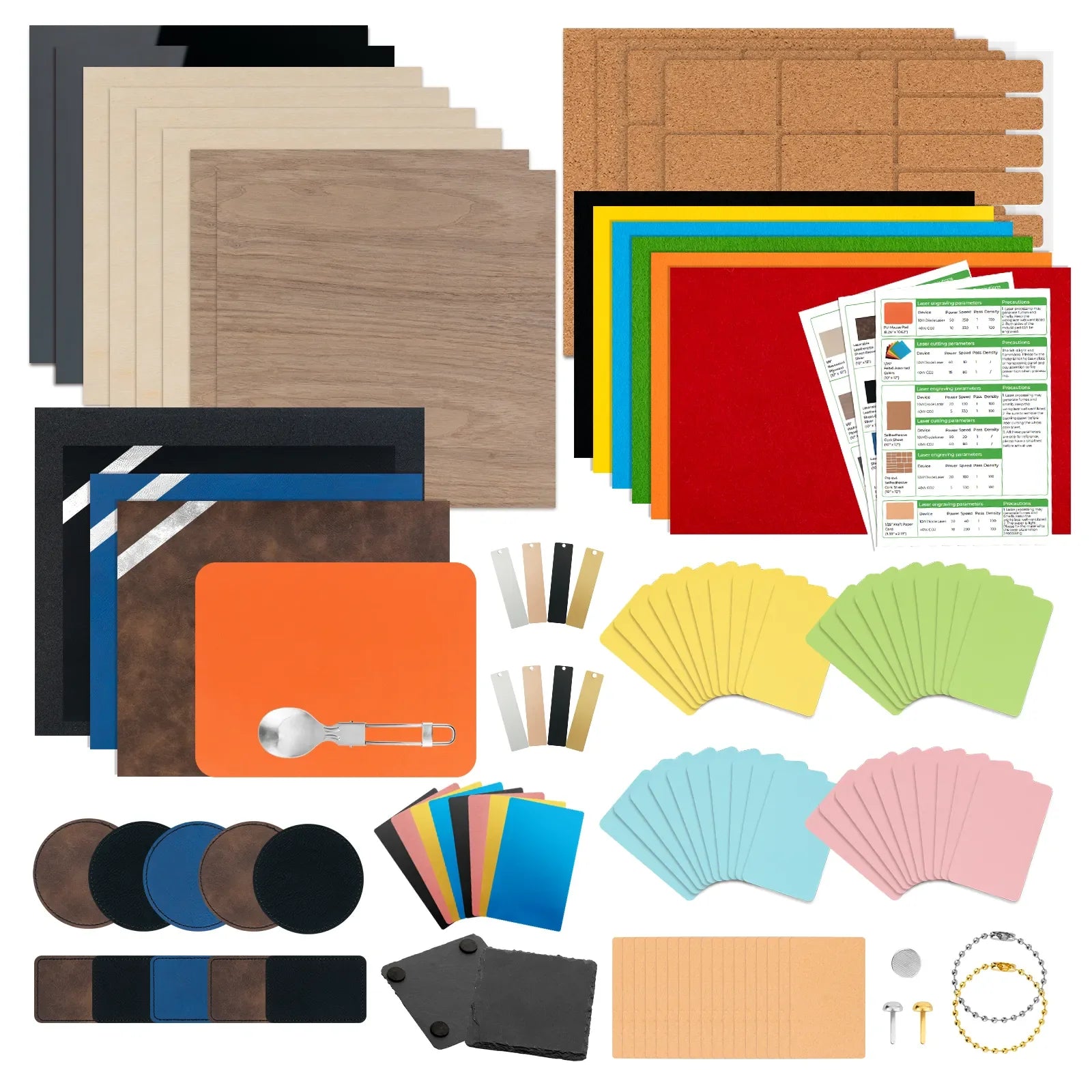
Premium materials for xTool M2
 38 % off
31% off
% off
38 % off
31% off
% off
 26% off
% off
% off
% off
% off
26% off
% off
% off
% off
% off
FAQ
Orders are processed in the order they are received. Orders placed within the first 7 days after launch will ship within 3–7 business days.
The inkjet module works best on fabric, wood, paper, and other similar porous surfaces. It cannot print directly on very dense or smooth surfaces such as metal, glass, or ceramic, because the ink cannot properly absorb or adhere. To print on these materials, a suitable adhesion coating must be applied first.
Ink yield depends on how often you use it. Based on the ISO/IEC 24712 standard (5% coverage), one cartridge can print approximately 400 pages.
To help extend cartridge life:
No. Thanks to the M2’s side-mounted laser path, you can engrave objects from 0 to 100 mm thick—such as insulated tumblers, balls, or rings—without any riser base.
If you use the laser function regularly, an air purifier can greatly improve your indoor experience. We recommend the SafetyPro™ AP2 Air Purifier: designed for indoor use, it effectively filters the air and helps reduce odors.
Already have an xTool desktop air purifier? Contact us to get a free adapter.
To disperse laser heat and help prevent yellowing on the edges:
No. The M2 has a built-in air pump (air assist), delivering cutting results that are just as clean as an external system. You can adjust the airflow level based on your specific engraving or cutting needs.
Note: Since the M2 does not have an external air port, connecting a third-party pump is not supported.
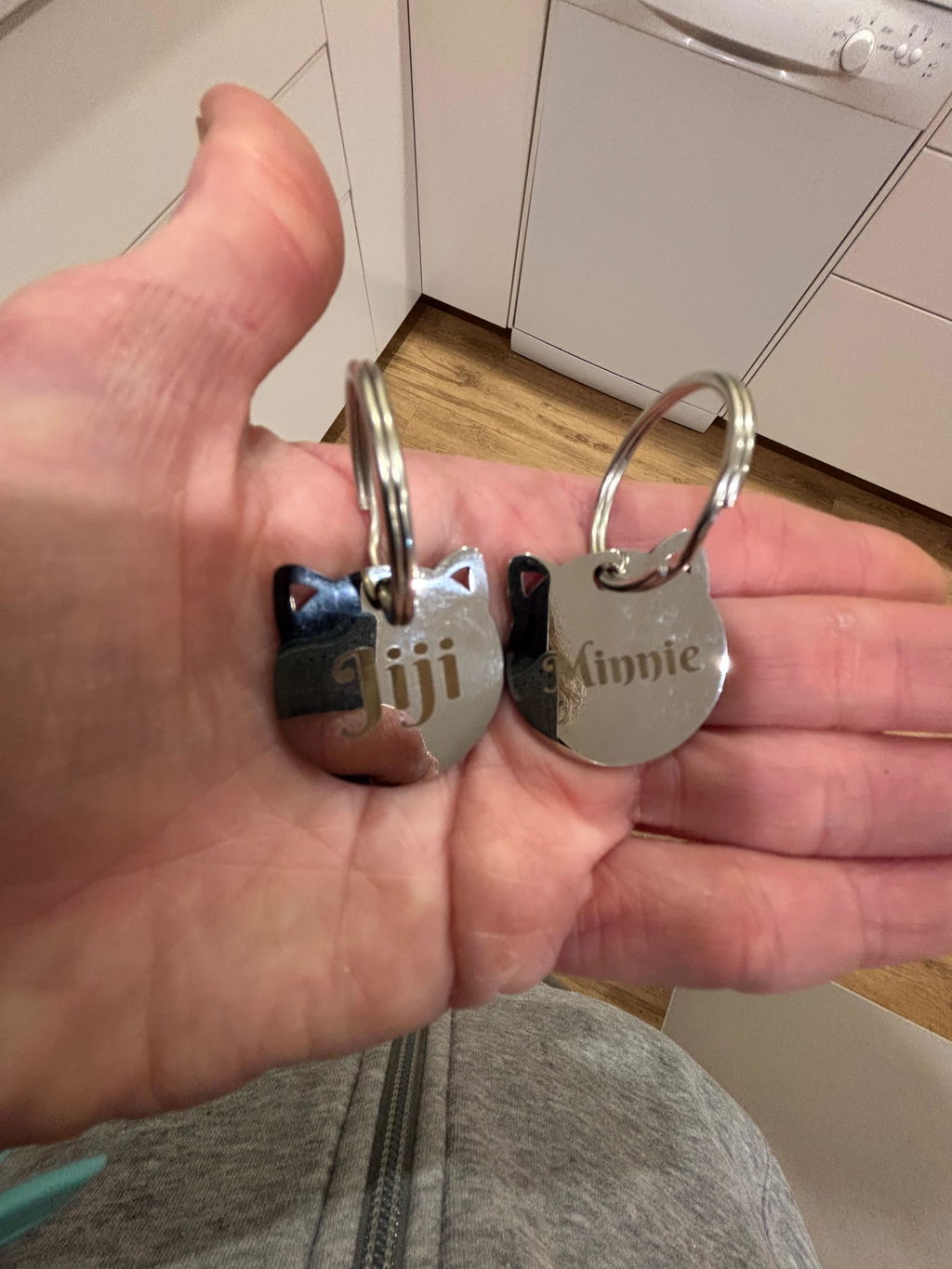
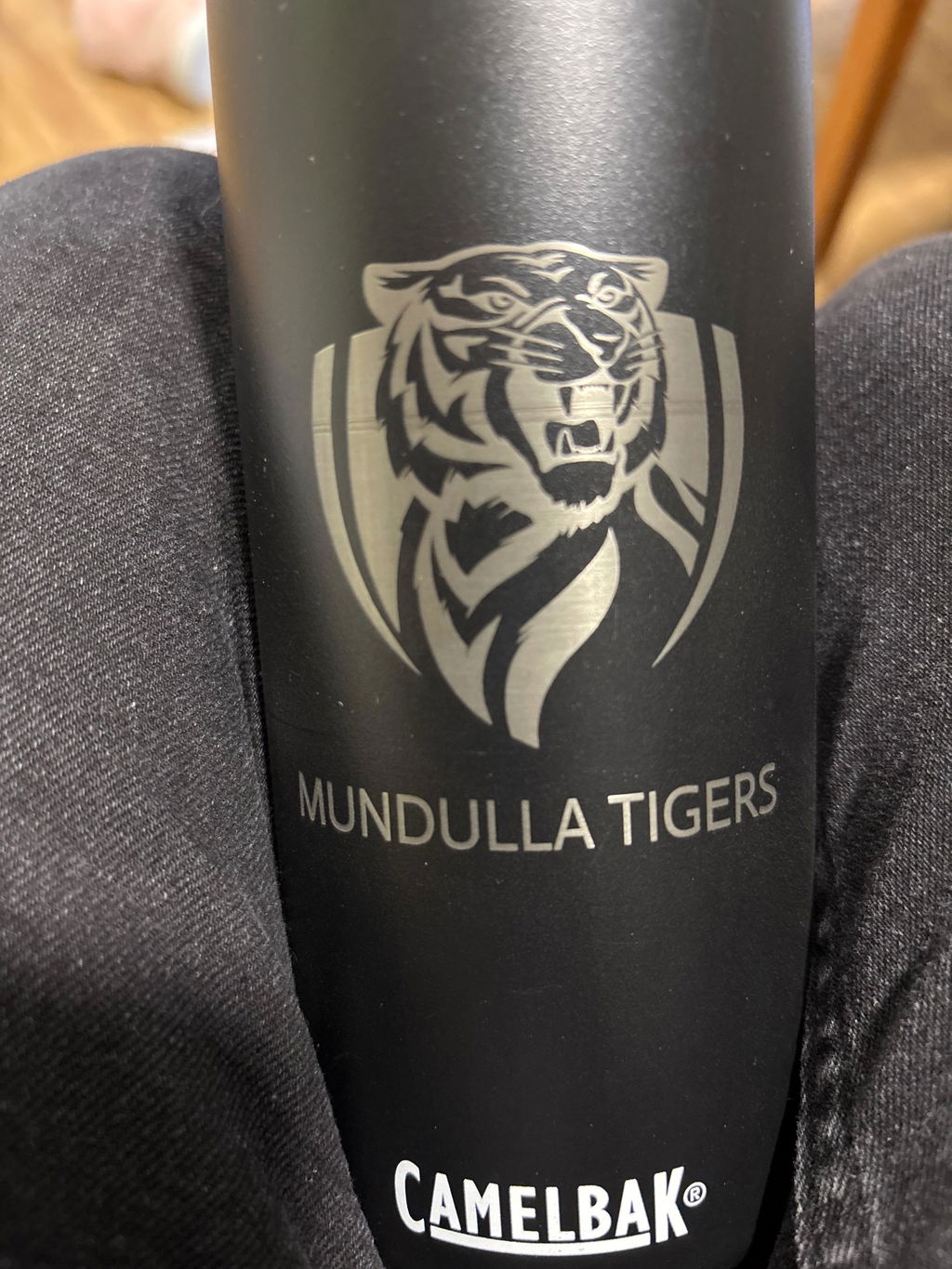
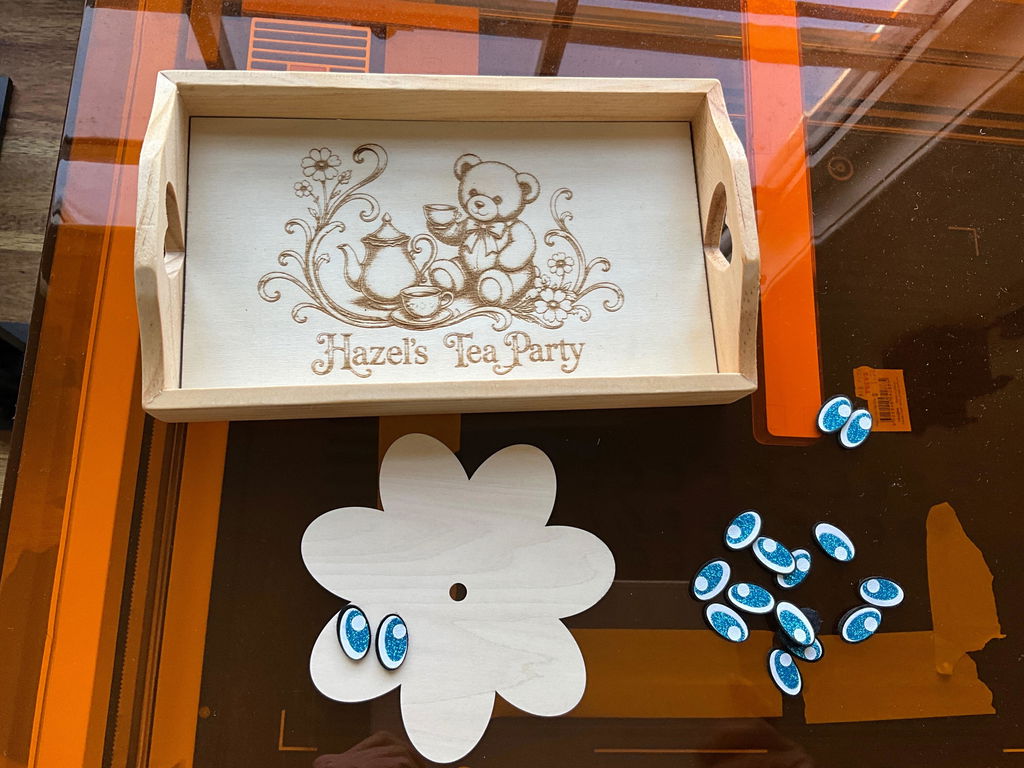
Love this I got the 20w with the printer head and IR3w as well. I’ve been cranking out double walled water bottle, cutting felt eyes and engraving and cutting basswood. XTool studio is easy to use. I’m going to order the P2s when it’s available because I need to engrave glass tumblers and cut clear acrylic. When I ordered the M2 I didn’t realise it didn’t engrave glass, masking the tumbler just doesn’t do a professional job for me.
The camera is very accurate and the laser cuts & engraves beautifully. The built quality is excellent and it's worth every penny. I have had several other brands and Xtool is the best by far. Highly recommend
The hardware is fantastic, even the camera works great instead of being a afterthought. it was simple to setup, fast and easy to calibrate individual materials and the results come out detailed and fast. The only bad thing i could possibly say is the delivery driver left the package on my front doorstep in full view of the street without even taking my signature.
I have only had a quick play with it but in that session I engraved an aluminium business card, scored, engraved and cut a leather bookmark and printed on a piece of veg tanned leather. I am very impressed with how much I could do in a couple of hours on my first go. The quality is great value for money and I already have my eye on more Xtool products
Product arrive as advised, extremely well packaged. Easy to set up and start producing after a very quick and easy to follow instruction process. Operation is outstanding and would have to be the best machine in its clsss for first operators and craft production. Great product, big thumbs up 👍